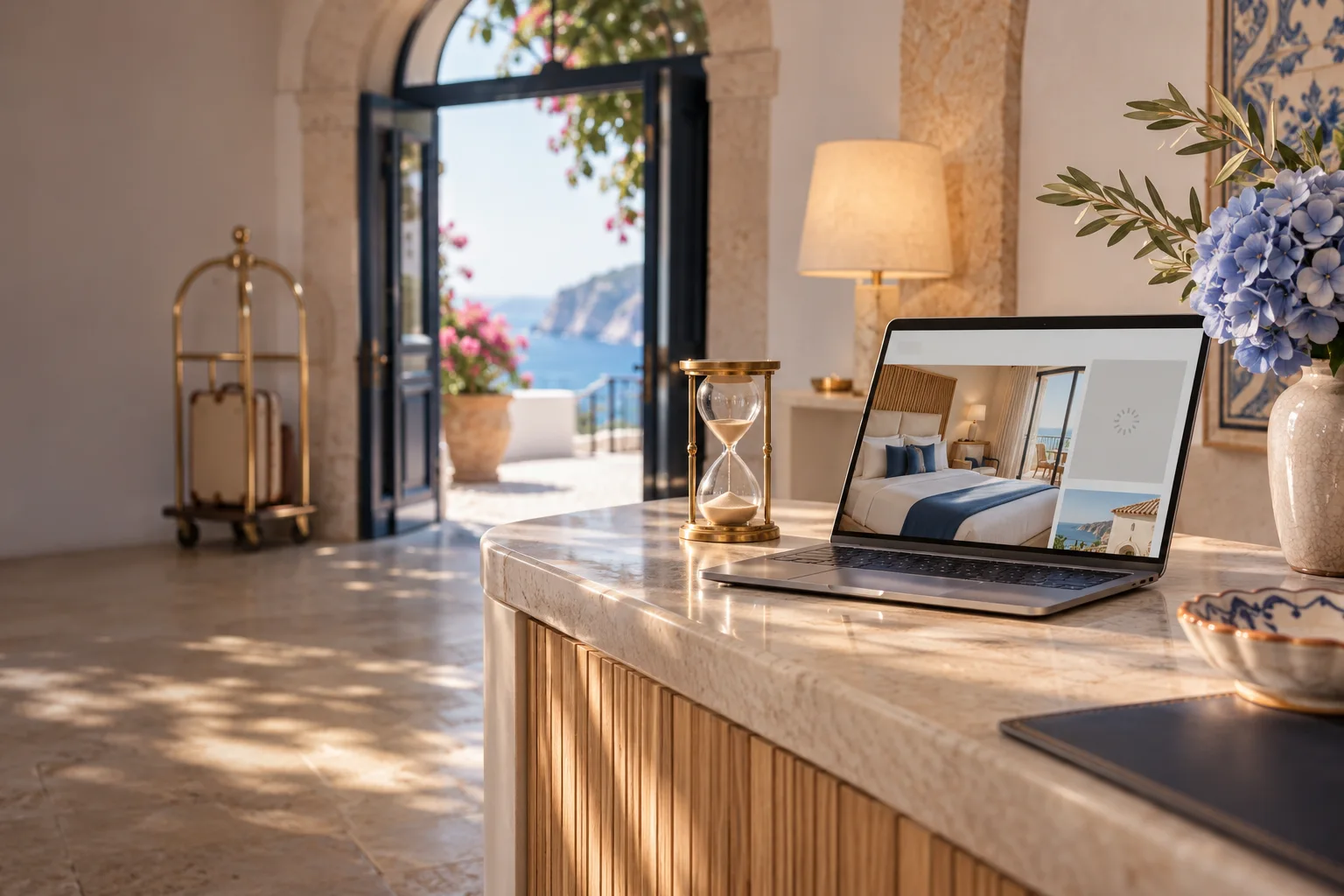
Home›Blog›Why is my hotel website slow?24 November 20263 min readPerformanceShare:inf𝕏By Elani TheisingerA guest opens your rooms page on their phone. The heading appears, but the photograph is still missing and the menu takes a moment to respond. Several things can cause that wait: large files, too many extras loading together, or a server that is slow to send the page. You do not need to remove the character from your website. You need guests to see the rooms, understand the offer and reach availability without unnecessary delay. AI-generated editorial illustration, not a real hotel or test result.Three places to look for the delay 1. Photographs that are bigger than the screen needs A phone does not need the same image file as a large desktop display. Sending an appropriately sized version can reduce the download while keeping the room looking inviting. This is about the file delivered to the guest, not making the photograph smaller on the page. 2. Too many things starting at once A map, review feed, video and promotional popup can all compete with the room information. Some features may be able to load later. The question is what the guest needs immediately and what can wait until they reach it. 3. A page that waits before showing what it has downloaded An image can finish downloading and still wait for other code before appearing. That is why compressing it again may make little difference. Your developer should check both the download and what happens before the browser displays it. Google's guide to improving loading time explains these separate delays. What should you check first? Open your homepage and one room page on your phone. Notice what appears late, whether the menu responds promptly and how easily you can reach availability. Write down the page and the problem, such as “the room photograph stays blank while the heading is already visible”. That gives your developer something specific to investigate. Then run a PageSpeed Insights check. Your office computer may have files saved from earlier visits, so it can feel quicker than a guest's first visit. Ask for a fix that matches the problem A useful proposal explains what is causing the wait, what will change and how the result will be checked. Smaller images help with large downloads. Caching, which reuses saved files or prepared pages, can reduce repeated work. Neither solves every slow website. Keep the features guests need. A map can be useful even if it should load later; booking availability must still work correctly. After a change, check the same pages and try the route from room information to availability again. Do you need a new website or a perfect score? A slow page alone is not a reason to buy a redesign or another plugin. Find the cause first. The useful result is a guest who can see the room and take the next step without an unnecessary wait. One easy next step Ask me for a free website check. Send the page that feels slow and tell me what you notice. I can explain which issues look worth investigating.Keep exploringHow to test your hotel website in PageSpeed Insights, in plain EnglishThe Stiltz before and after: what the saved speed tests show← All postsNext post →